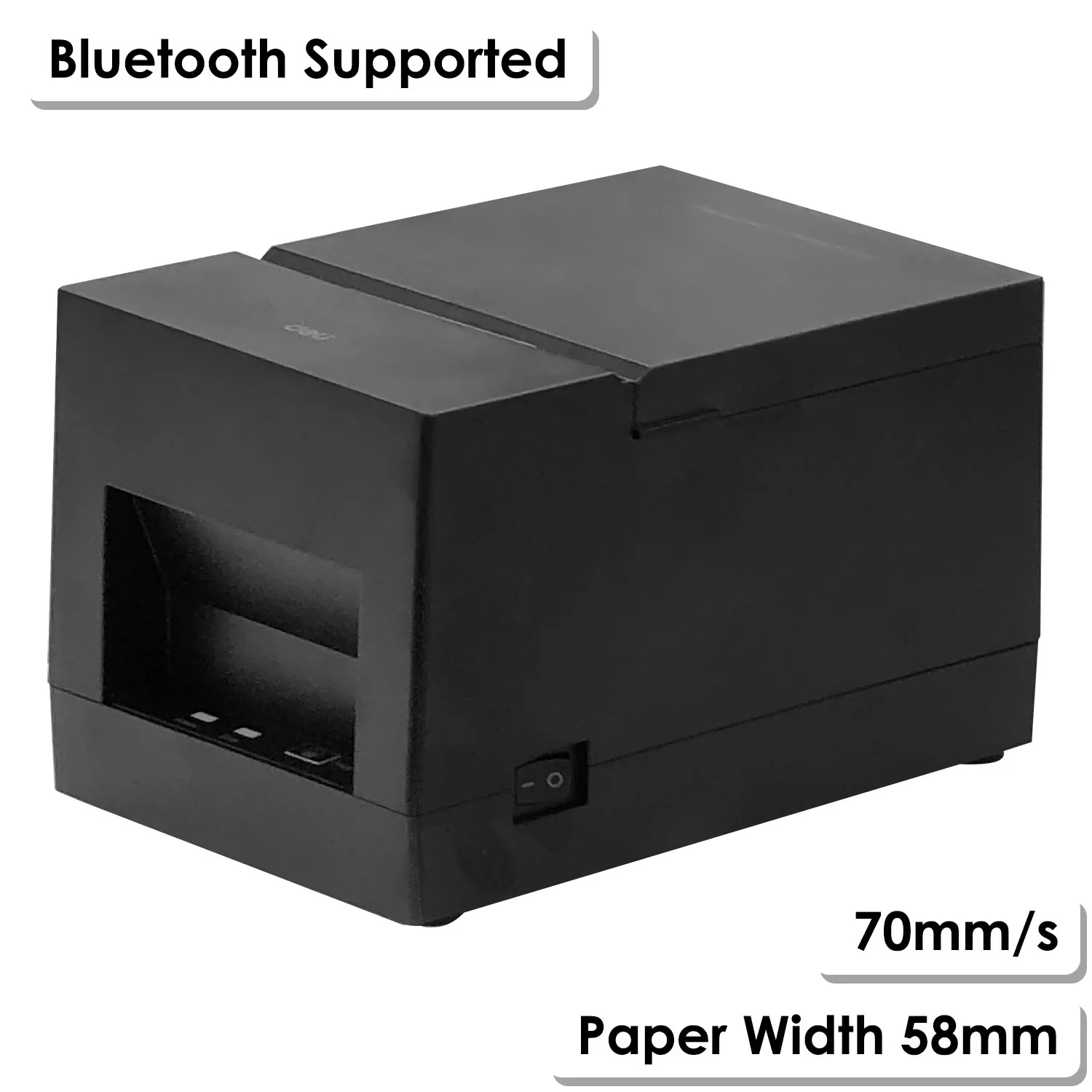
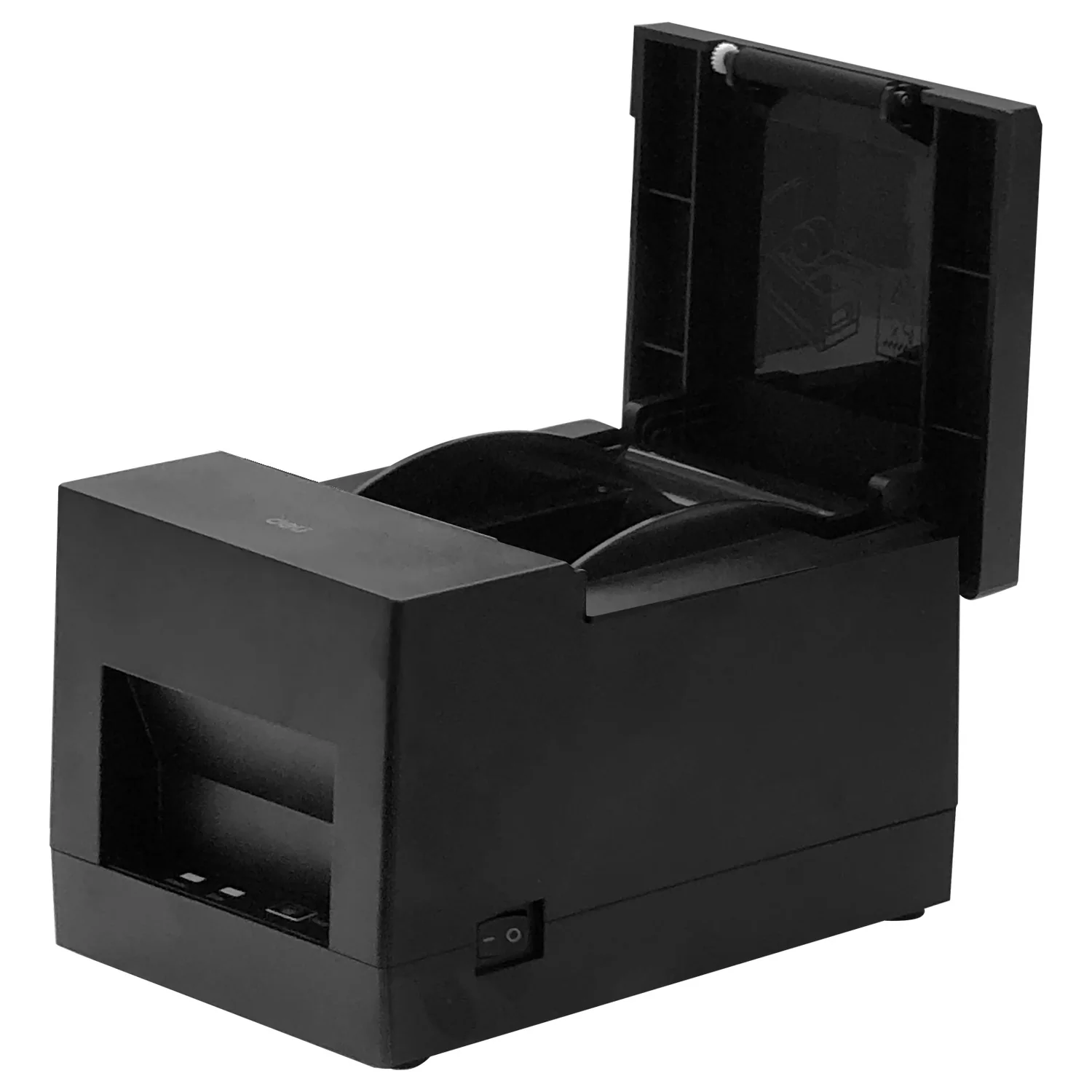
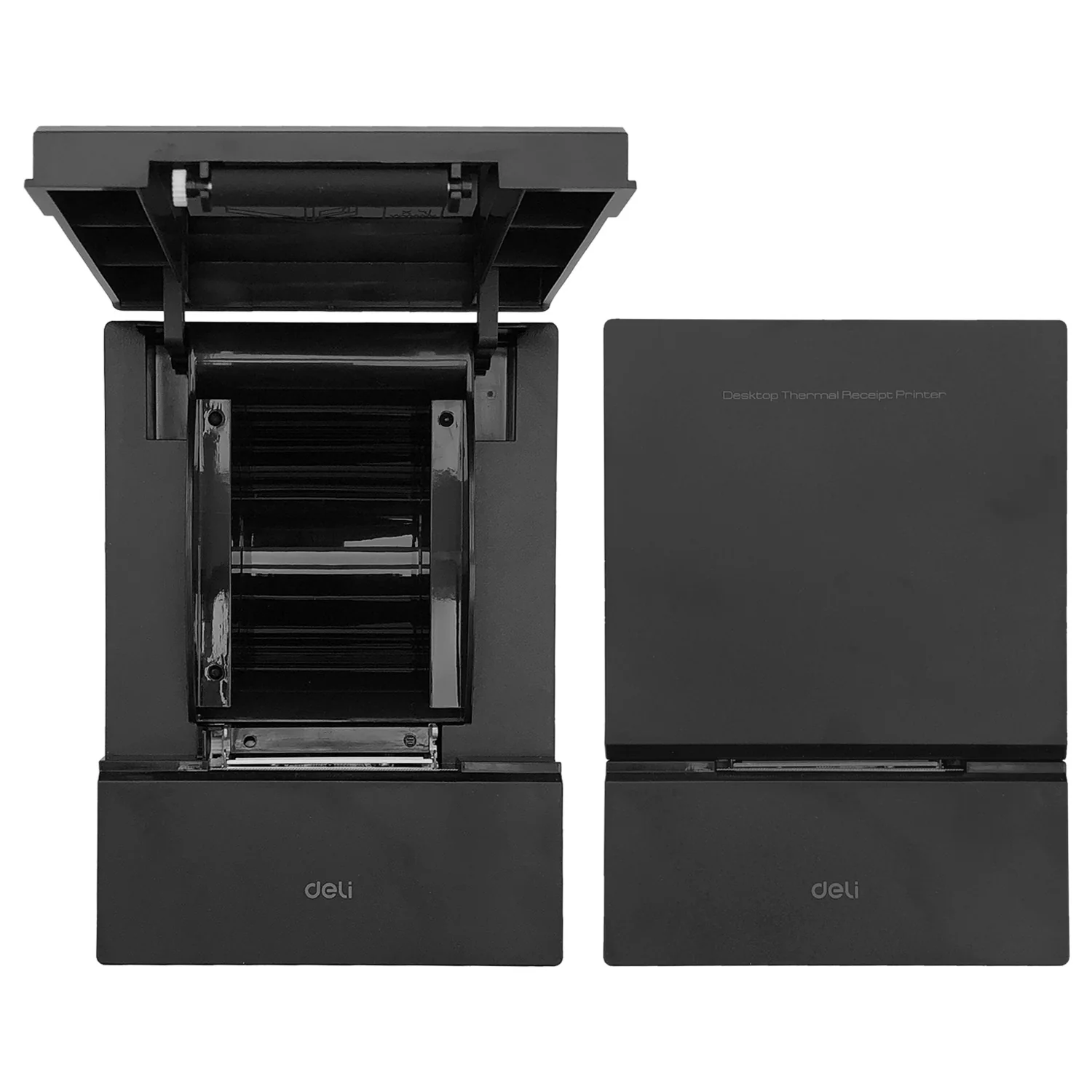
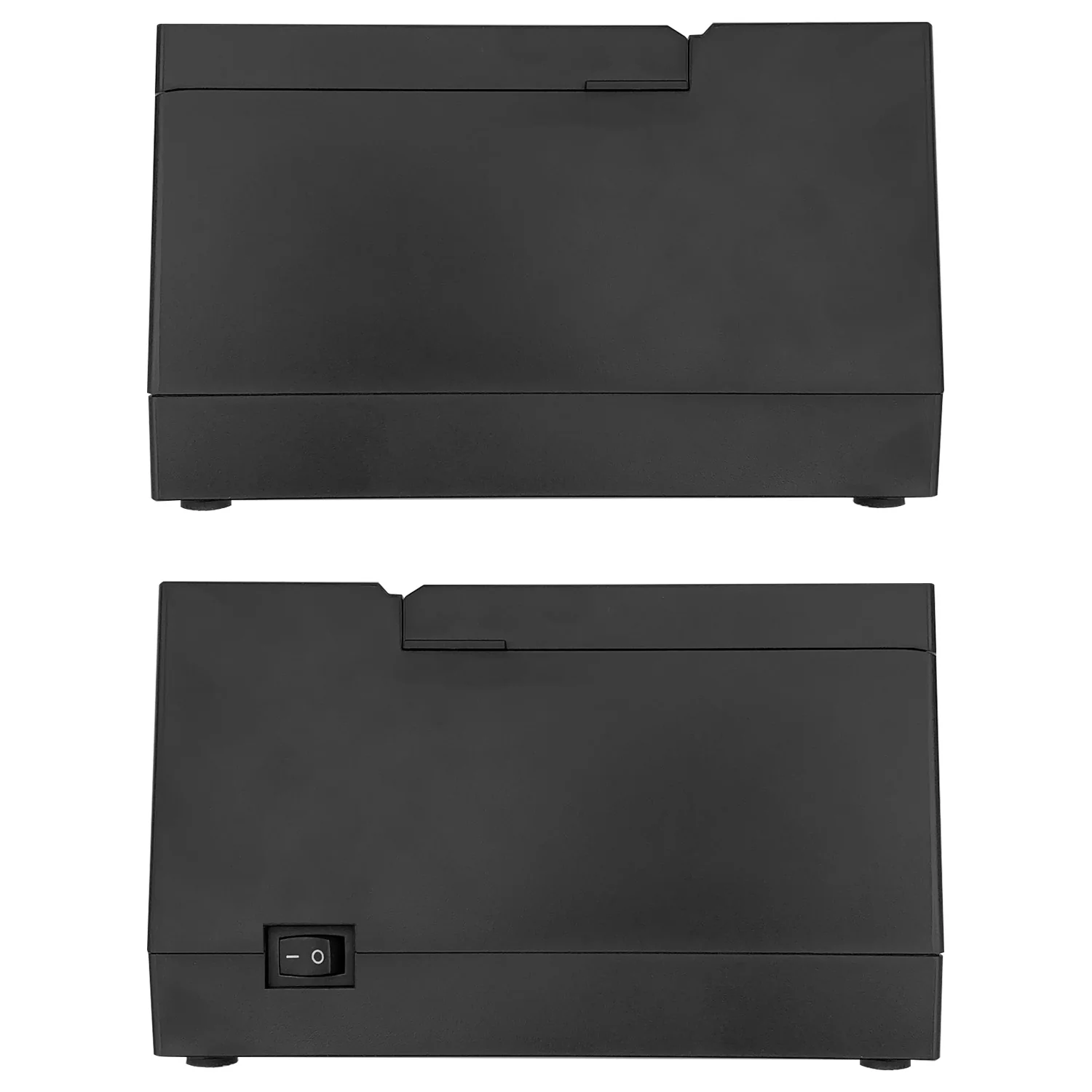
Receipt Printer
THERMAL
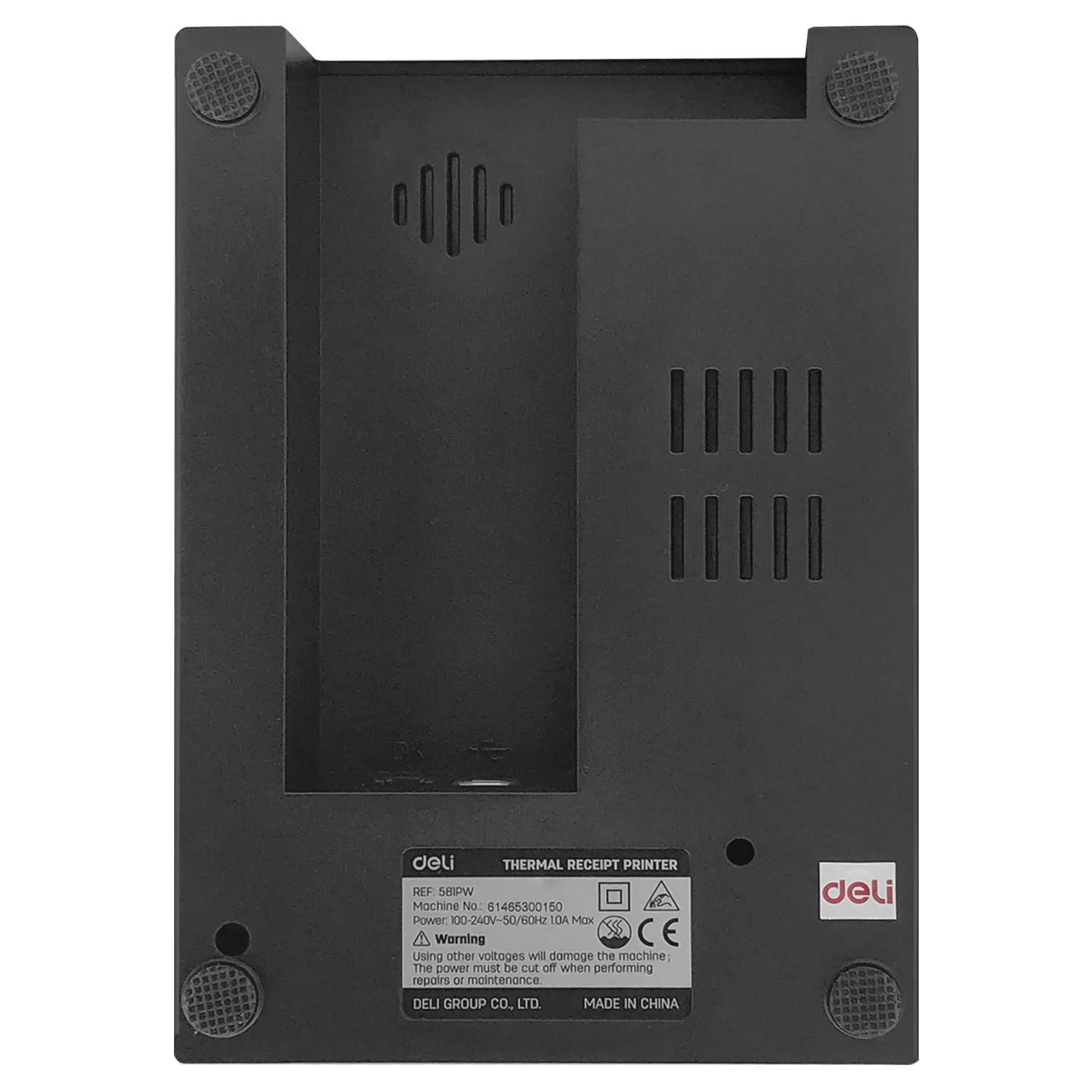
Model: 581PW
Brand: DELI
ALU: 6973083729301
Color: BLACK
- Specifications
Deli – Label Printer
Thermal Receipt Printer
Brand: Deli
Model: 581PW
Color: Black
Power Supply: 100-240V~, 50/60Hz, 1.0A Max
Printing Method: Thermal
Print Resolution: up to 203dpi
Print Speed: max. 70mm/s
Paper Width: max. 58mm
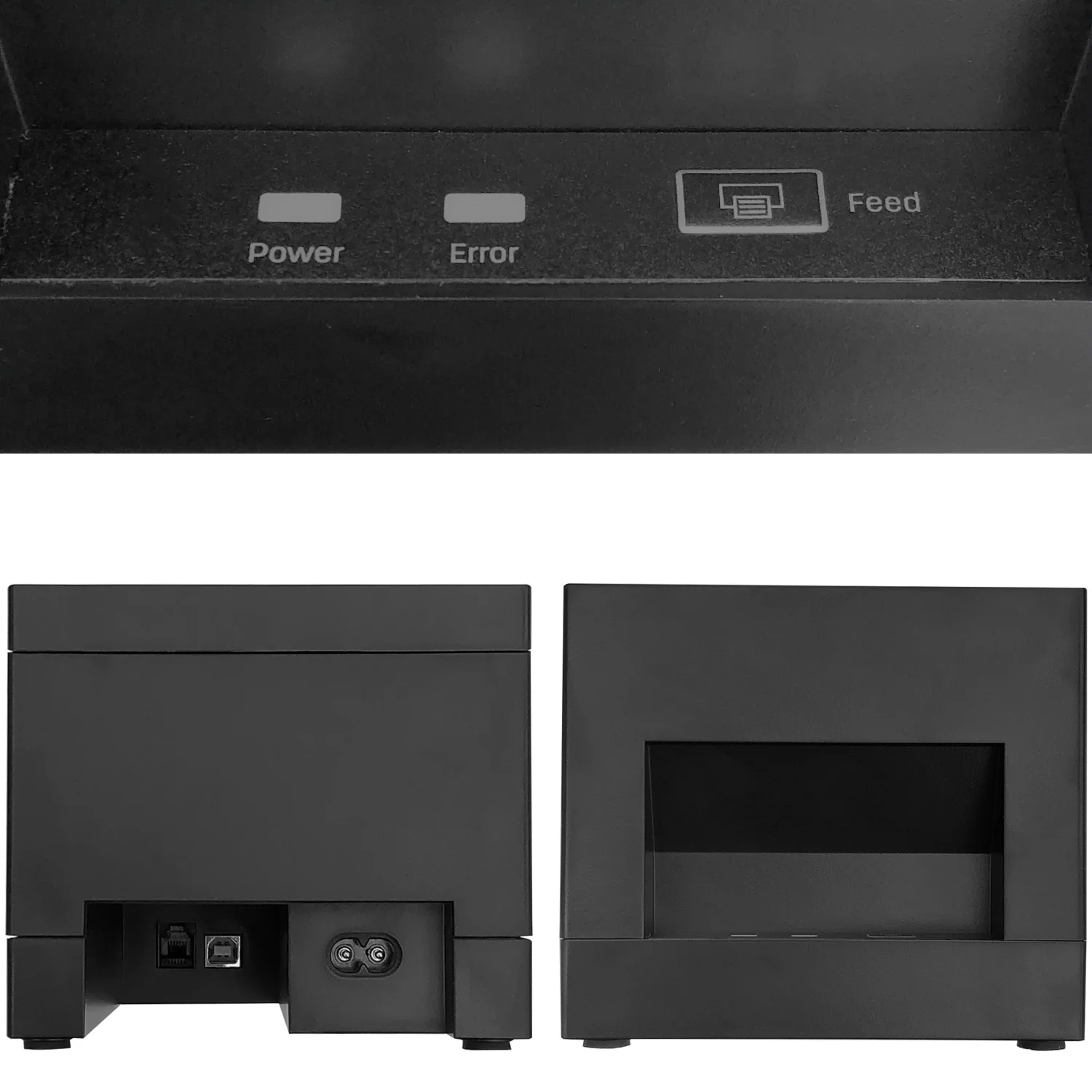
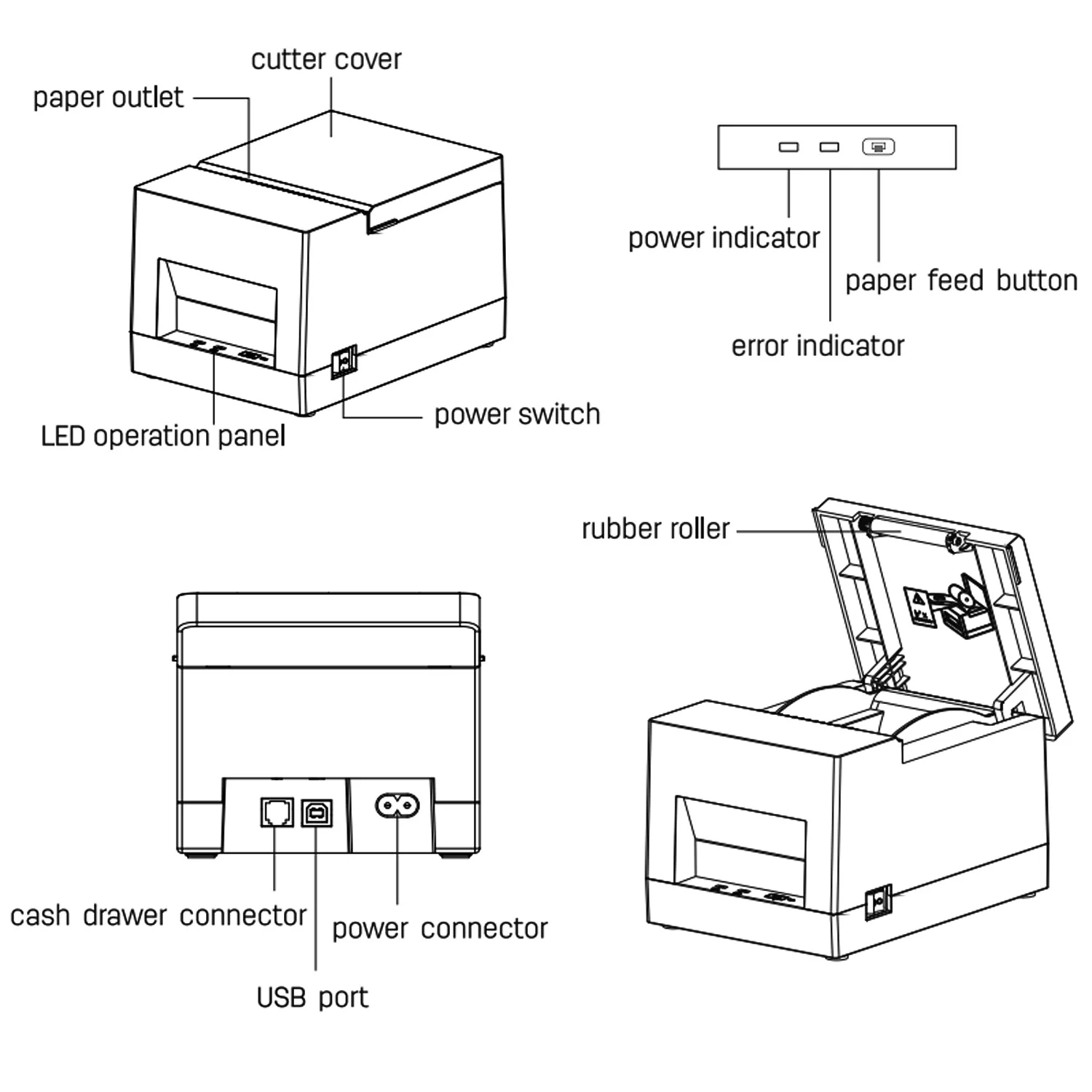
Interfaces:
- Cash Drawer Connector (x1)
- USB Port (x1)
- Power Connector (x1)
Bluetooth: Bluetooth Supported
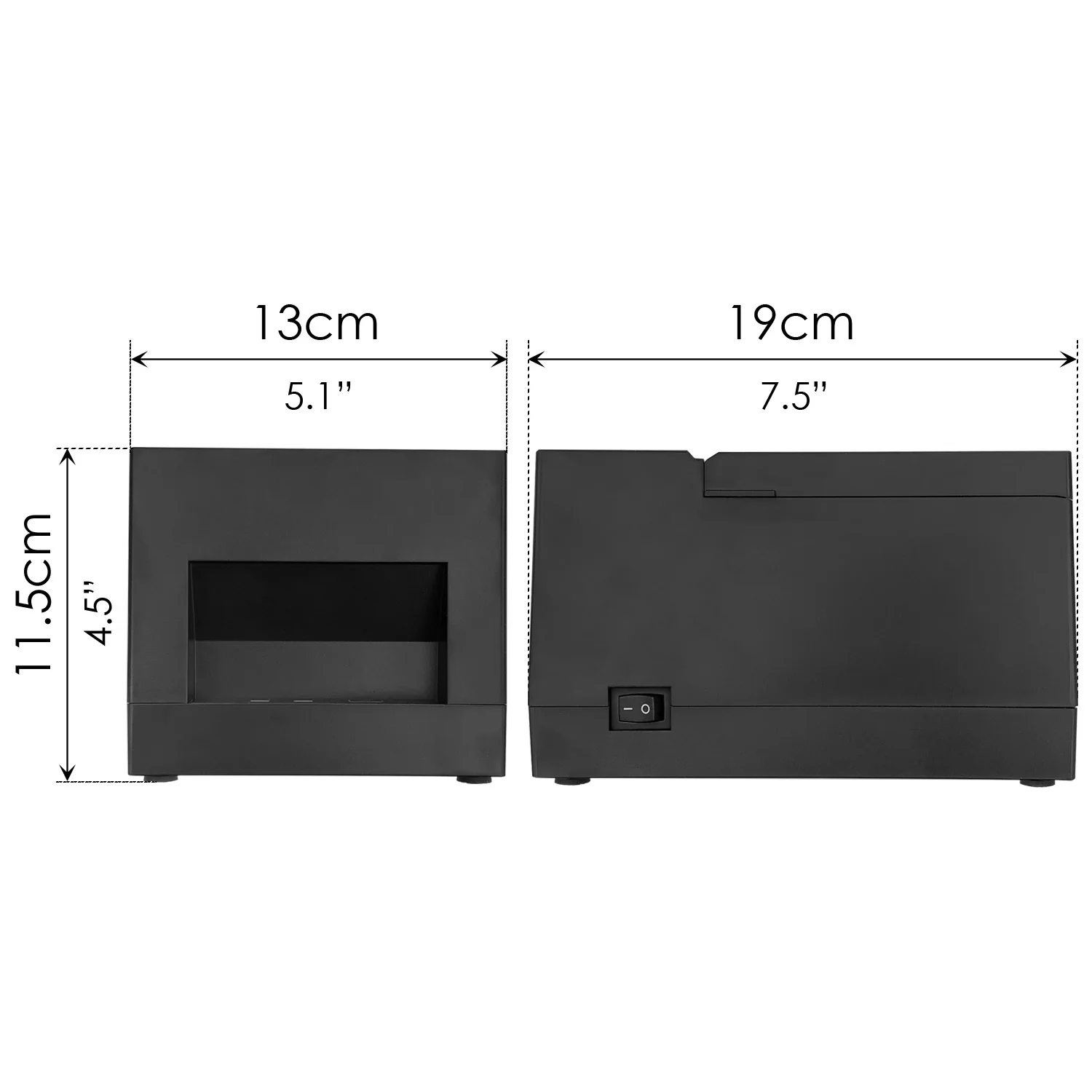
Product Dimension (W x D x H): 13 x 19 x 11.5cm (5.1” x 7.5” x 4.5”)
Gross Weight: 1.05kg
Features:
- Bluetooth supported.
- Cash drawer connector.
- Easy to use and maintain.
- Convenient paper loading.
- It can be connected to other devices via USB and cash drawer connector and support drivers like WINDOWS XP/7/8/10/vista and more.
- Automatic positioning: with RISC Intelligent control chip, no need to deliberately adjust the paper placement, the RISC chip can automatically position the label paper.
- The printer features high print quality, high speed and great stability and it is widely used to work with POS systems in catering industry and other occasions that require on-site real-time printing of receipts.
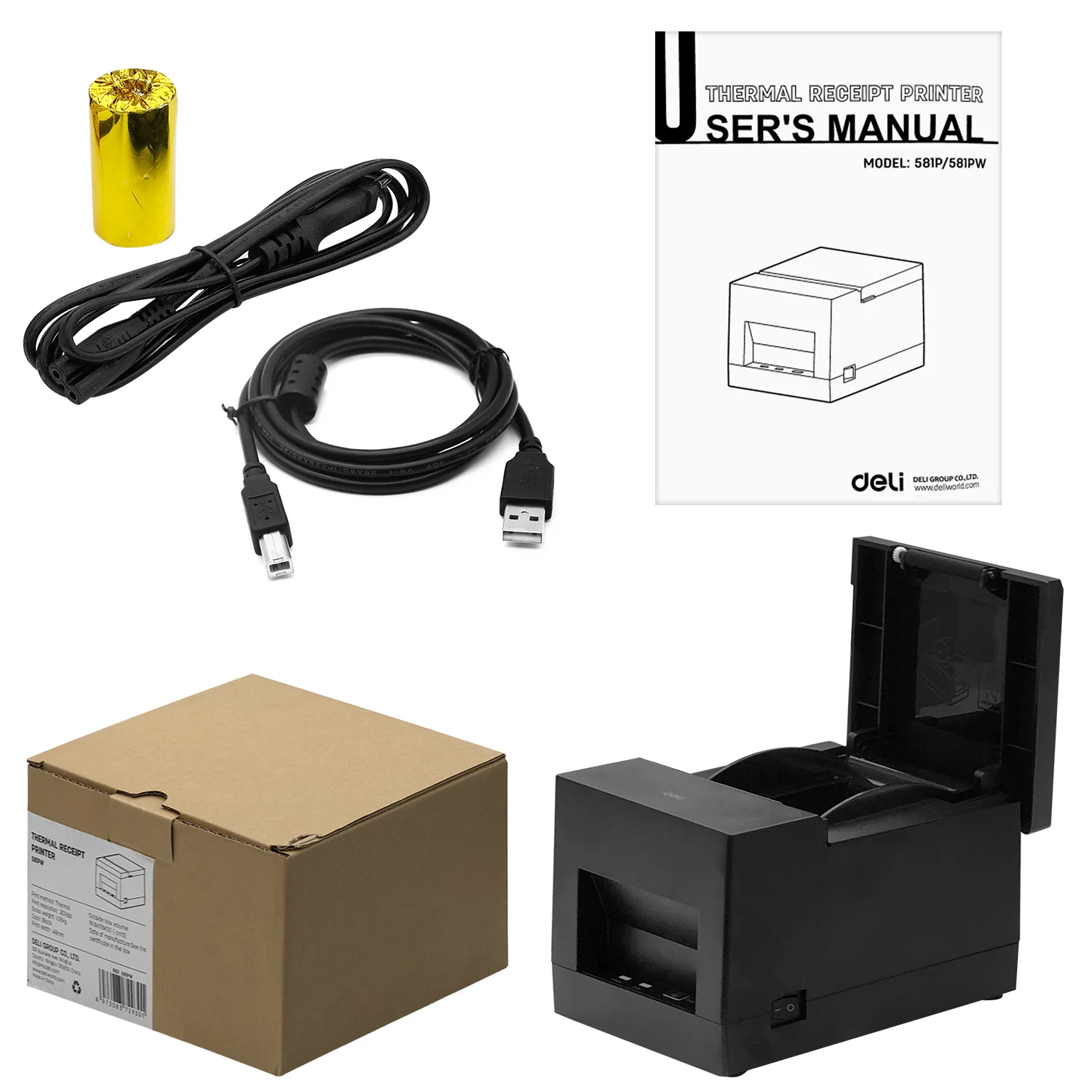
Package Contents:
- Receipt Printer – x1
- Power Cord - x1
- USB Printer Cable - x1
- Paper Roll - x1
- User Manual – x1
Use of Bluetooth
It needs to be paired with the main device before using Bluetooth to print.
The pairing process is initiated by the main device.
The usual pairing method as follows:
- Turn on the printer;
- Search for external Bluetooth devices through the main device;
- If there are multiple external Bluetooth devices, select the printer;
- Complete matching;
When pairing, the printer must be on.
Tips: When pairing, please pair one-to-one, otherwise it may not be able to determine which printer is paired successfully. After pairing successfully, other host computers cannot be paired with the printer. If you need to pair with other upper computers, you need to disconnect it first.
Print Using Bluetooth Interface:
For PCs with virtual Bluetooth serial ports (such as mobile phones using SMARTPHONE, POCKET PC, PALM, notebook computers, etc.), after pairing successful, you can send print data to the printer through the virtual Bluetooth serial port for printing
Original: $84.12
-65%$84.12
$29.44Product Information
Product Information
Shipping & Returns
Shipping & Returns
Description
THERMAL
Model: 581PW
Brand: DELI
ALU: 6973083729301
Color: BLACK
- Specifications
Deli – Label Printer
Thermal Receipt Printer
Brand: Deli
Model: 581PW
Color: Black
Power Supply: 100-240V~, 50/60Hz, 1.0A Max
Printing Method: Thermal
Print Resolution: up to 203dpi
Print Speed: max. 70mm/s
Paper Width: max. 58mm
Interfaces:
- Cash Drawer Connector (x1)
- USB Port (x1)
- Power Connector (x1)
Bluetooth: Bluetooth Supported
Product Dimension (W x D x H): 13 x 19 x 11.5cm (5.1” x 7.5” x 4.5”)
Gross Weight: 1.05kg
Features:
- Bluetooth supported.
- Cash drawer connector.
- Easy to use and maintain.
- Convenient paper loading.
- It can be connected to other devices via USB and cash drawer connector and support drivers like WINDOWS XP/7/8/10/vista and more.
- Automatic positioning: with RISC Intelligent control chip, no need to deliberately adjust the paper placement, the RISC chip can automatically position the label paper.
- The printer features high print quality, high speed and great stability and it is widely used to work with POS systems in catering industry and other occasions that require on-site real-time printing of receipts.
Package Contents:
- Receipt Printer – x1
- Power Cord - x1
- USB Printer Cable - x1
- Paper Roll - x1
- User Manual – x1
Use of Bluetooth
It needs to be paired with the main device before using Bluetooth to print.
The pairing process is initiated by the main device.
The usual pairing method as follows:
- Turn on the printer;
- Search for external Bluetooth devices through the main device;
- If there are multiple external Bluetooth devices, select the printer;
- Complete matching;
When pairing, the printer must be on.
Tips: When pairing, please pair one-to-one, otherwise it may not be able to determine which printer is paired successfully. After pairing successfully, other host computers cannot be paired with the printer. If you need to pair with other upper computers, you need to disconnect it first.
Print Using Bluetooth Interface:
For PCs with virtual Bluetooth serial ports (such as mobile phones using SMARTPHONE, POCKET PC, PALM, notebook computers, etc.), after pairing successful, you can send print data to the printer through the virtual Bluetooth serial port for printing